Bowden BrighamPersonal blog
Projects
2026
Workspace
5 photos

Relay Build

A software and hardware setup built around connecting devices, testing commands, and creating a small command center for working across screens.

Relay Build hero image

Project notes

What this project shows

The Relay build was different from my shop projects because most of the work was about making the digital setup behave correctly. I had to connect devices, work through setup issues, test commands, and make the workspace organized enough that I could actually use it.

This project showed me how much careful troubleshooting matters in software too. A small setup mistake can stop the whole system, so I had to slow down, read what the tools were telling me, and keep adjusting until the command center worked the way I wanted.
Build sequence

Start to finish

Relay Build progress photo 1

Step 1

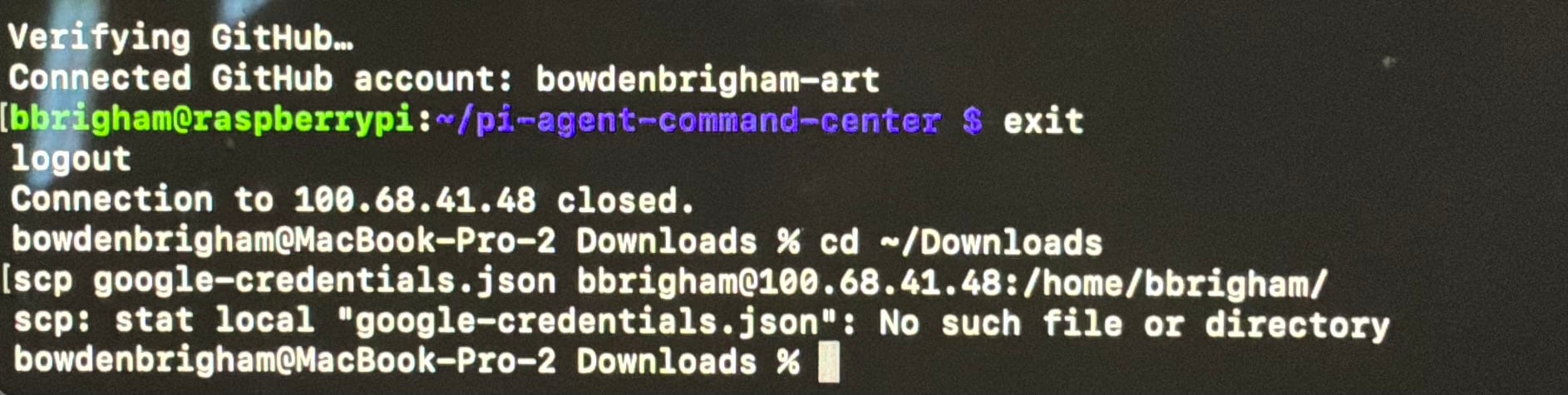
I started by working through the command-line setup and the first connection problems. This was the less polished part of the build, but it was where the system started to come together.

Relay Build progress photo 2

Step 2

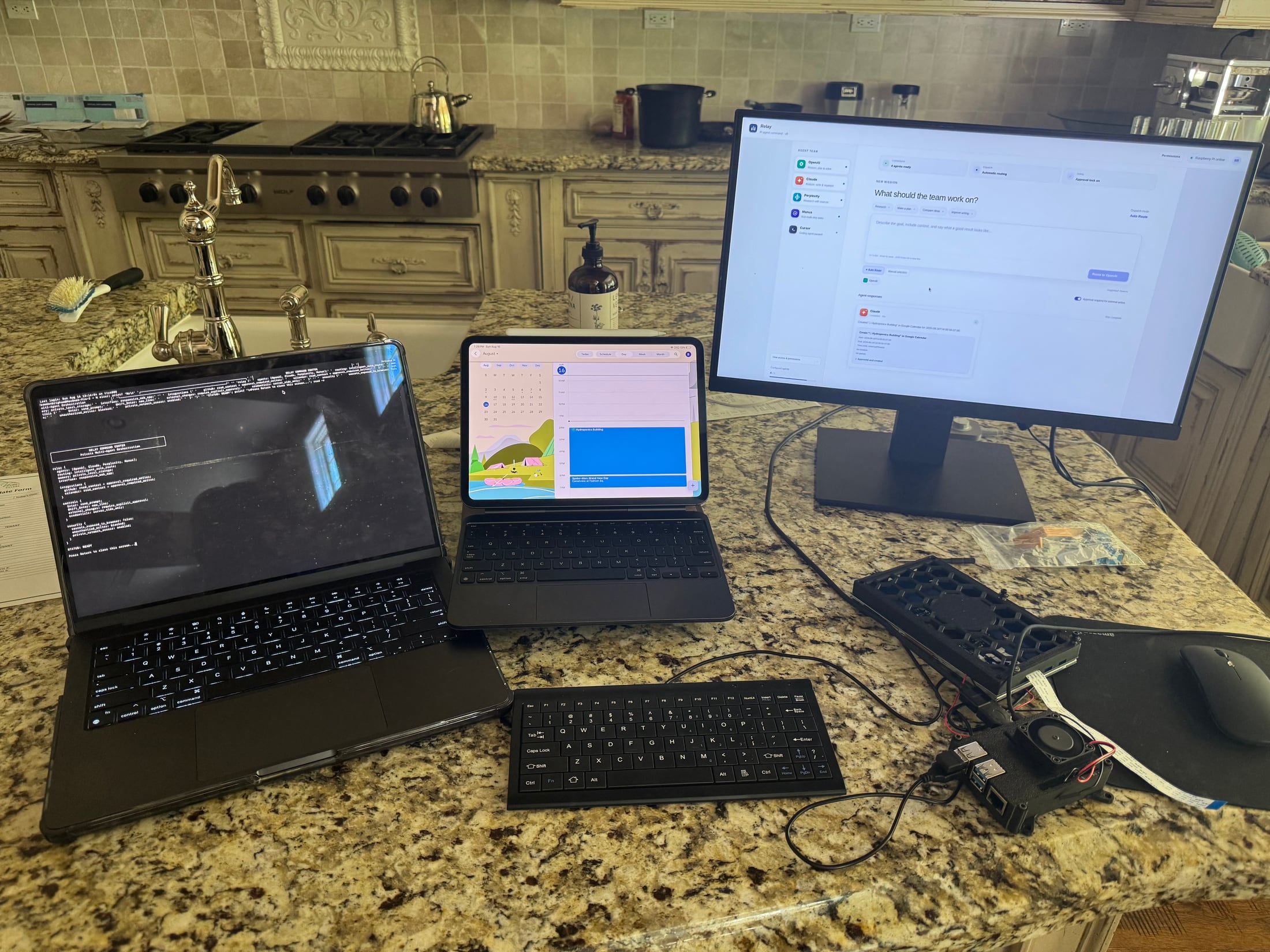
Next, I laid out the main workspace with the laptop, monitor, keyboard, tablet, and connected hardware so I could test the setup from one place.

Relay Build progress photo 3

Step 3

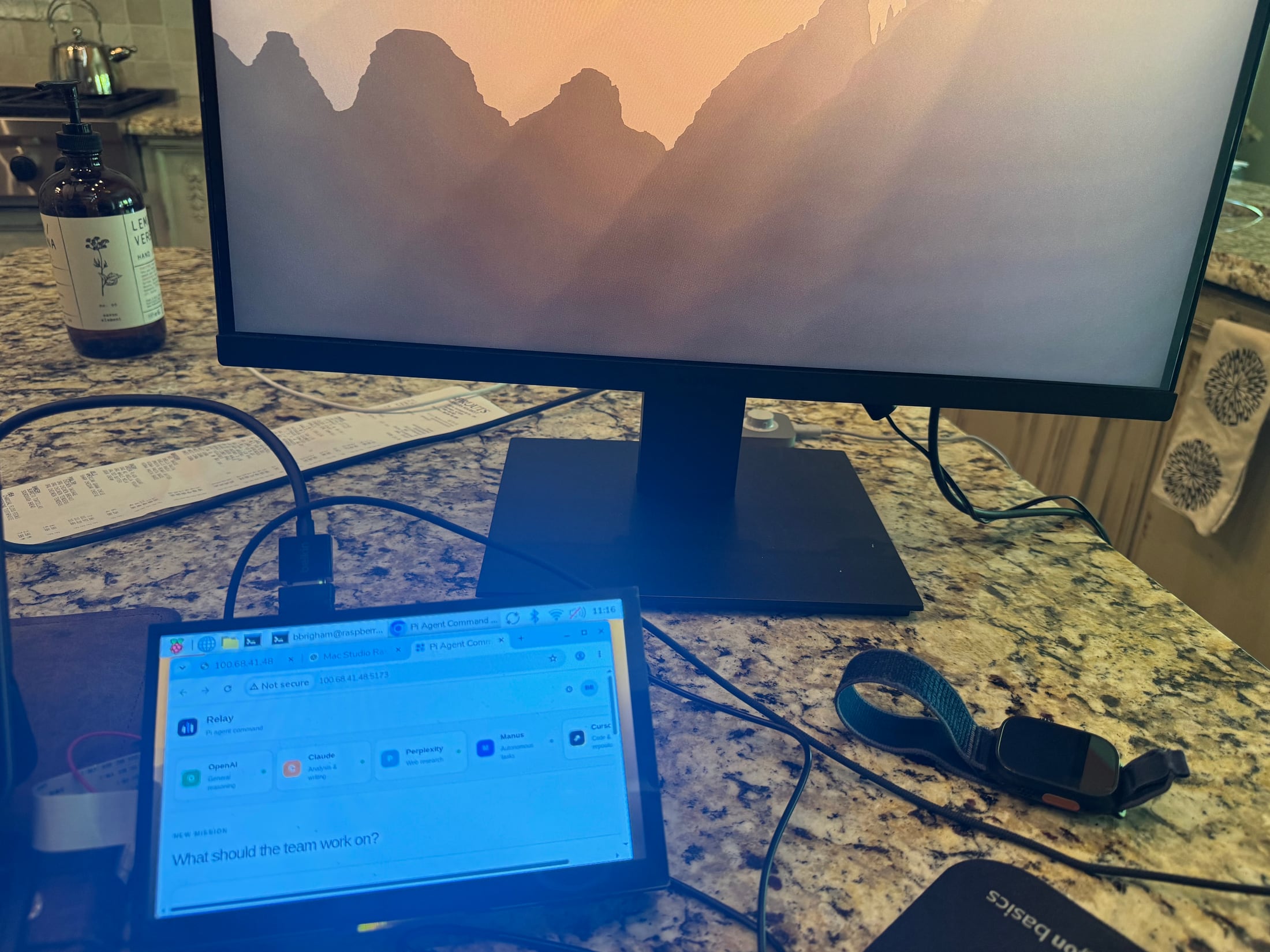
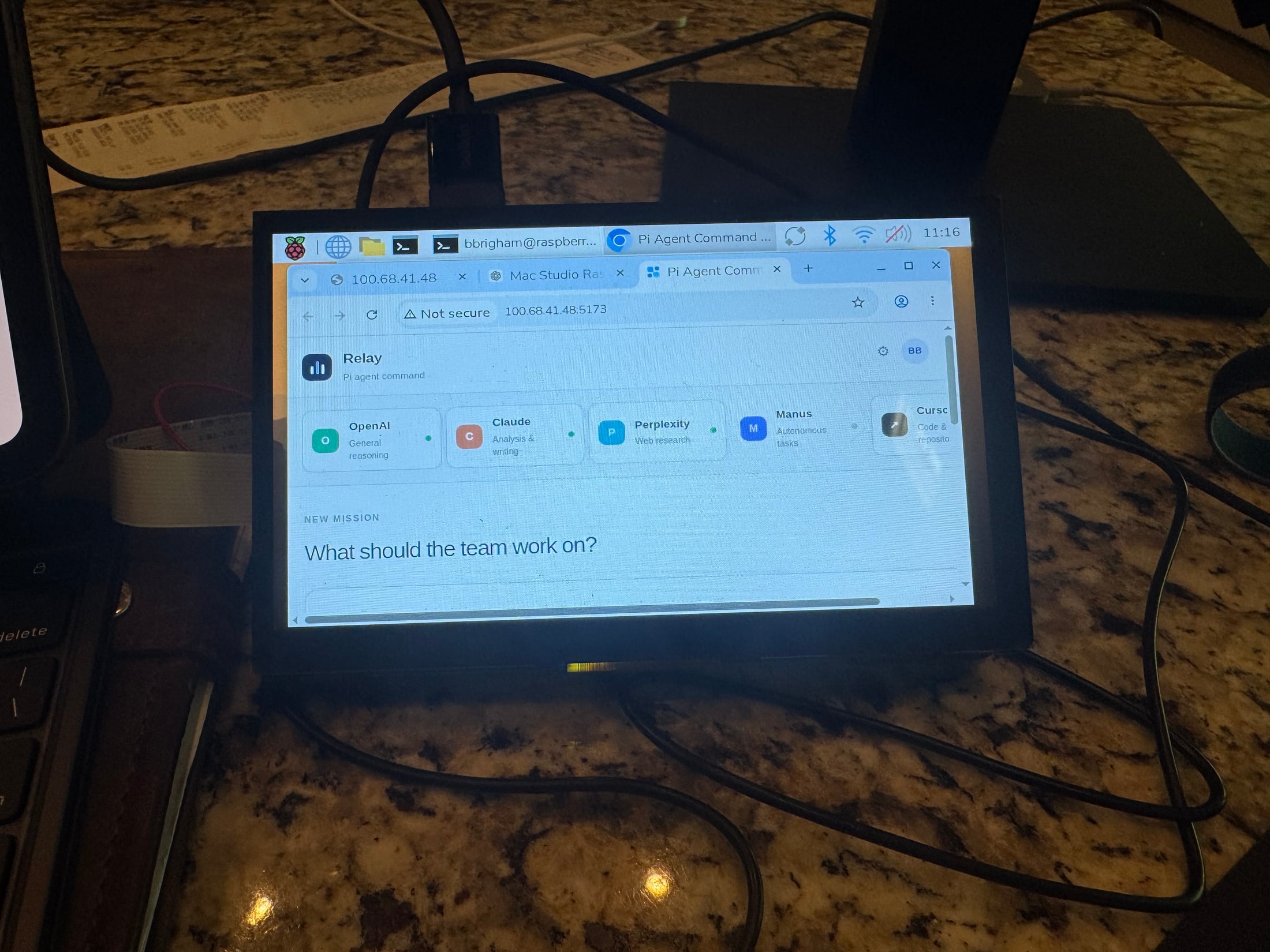
I tested the Relay interface on a smaller screen to make sure the command center could still be controlled without only relying on the main monitor.

Relay Build progress photo 4

Step 4

I adjusted the desk layout and kept testing the connected screens so the workspace felt cleaner and easier to use.

Relay Build progress photo 5

Step 5

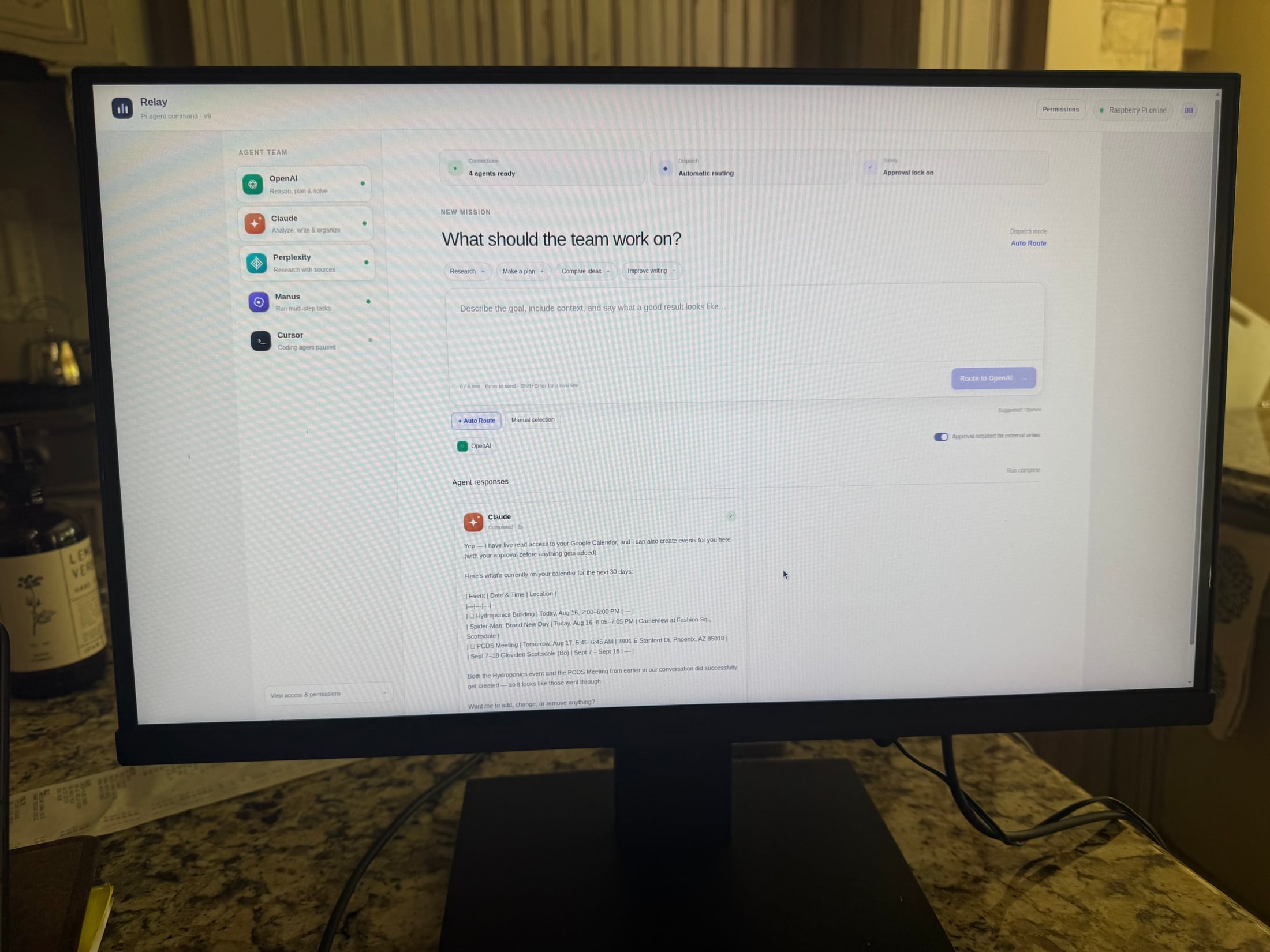
The final setup brought the main interface onto the larger display, giving me a more organized command center for testing and controlling the build.